
Automate Scan-to-Mesh Pipelines for Construction
From raw point clouds to watertight, textured meshes your clients can open in any CAD or BIM tool. 10 lessons on Python automation, Marching Cubes, and production-grade delivery.
See the scan-to-mesh pipeline in action
From a raw scan to a watertight, textured mesh ready for BIM delivery.
Points per pipeline. Built for BIM-scale construction projects.
Students trained worldwide across 80 countries.
Production experience distilled into structured, repeatable workflows.
Clients don’t want point clouds. They want models.
You deliver a clean, dense point cloud to a construction client. They look at it for ten seconds and ask, “Can I have this in Revit?” Suddenly the whole value of your scan depends on your ability to turn millions of dots into a clean mesh. The mesh has to be watertight. It has to decimate without losing detail. It has to carry textures. And it has to export to IFC, OBJ, or FBX without breaking.
The gap is not Open3D or CloudCompare. It is the meshing discipline: which algorithm fits which data, how to clean topology, and how to automate the pipeline so it runs unattended on a hundred scans a week.
Construction firms pay for scans because they want actionable models. The bottleneck is always the mesh. Hand-cleaning geometry in MeshLab is a one-week job per building. Automating the same cleanup with Python is a one-hour job that runs while you sleep. This course teaches you the automation.
What you’ll build
Real meshing pipelines on real construction scans.
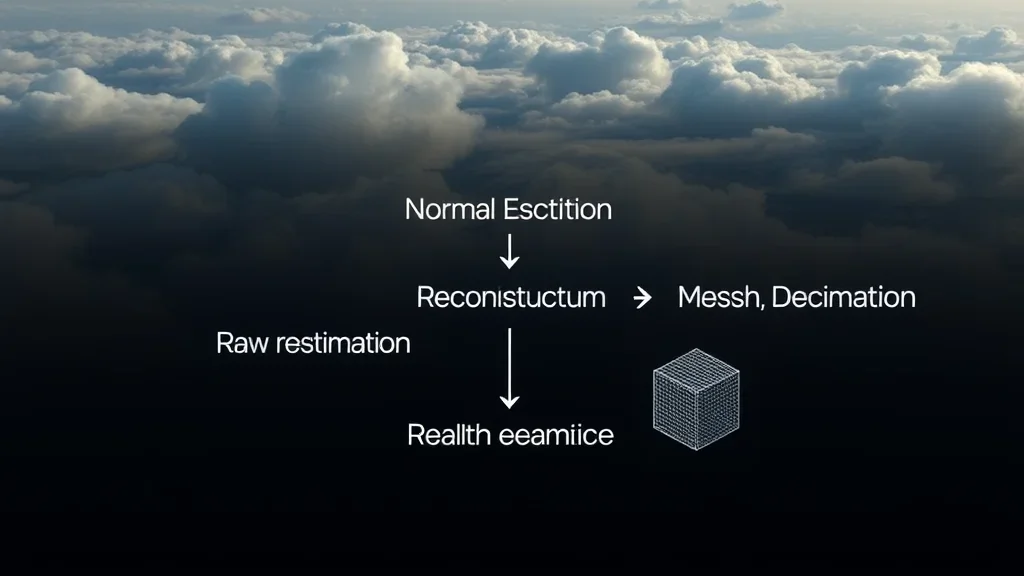
Automated meshing pipeline
From point cloud to watertight mesh without clicking a GUI. Poisson reconstruction, BPA, and Marching Cubes with Python orchestration.
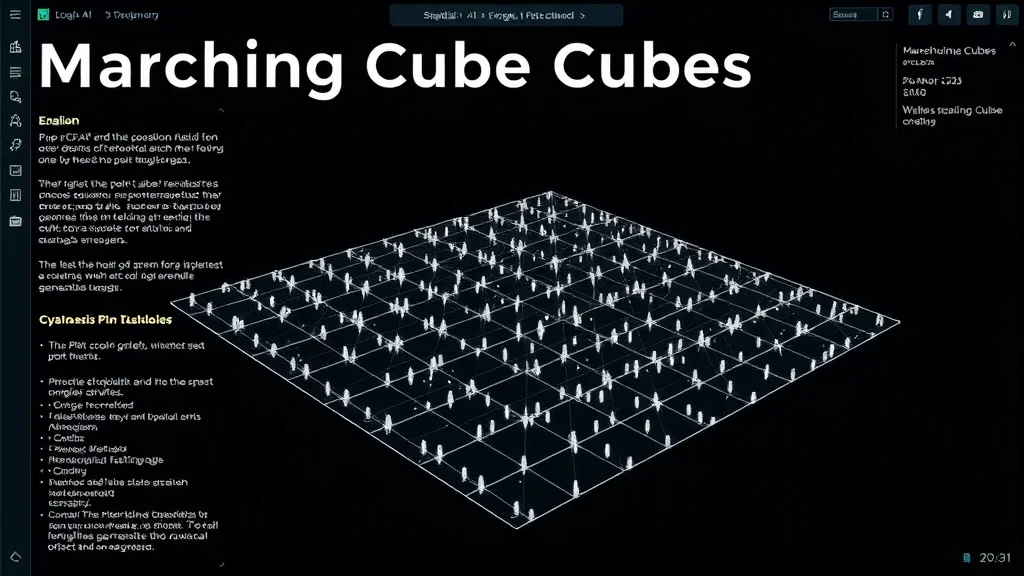
Marching Cubes app
Build your own Marching Cubes application. From voxel grids to triangle meshes, with adaptive resolution and parallel processing.
Textured mesh delivery
UV unwrapping, texture baking, and export to IFC, OBJ, FBX, and CAD formats. Your scan, wearing a production-ready costume.
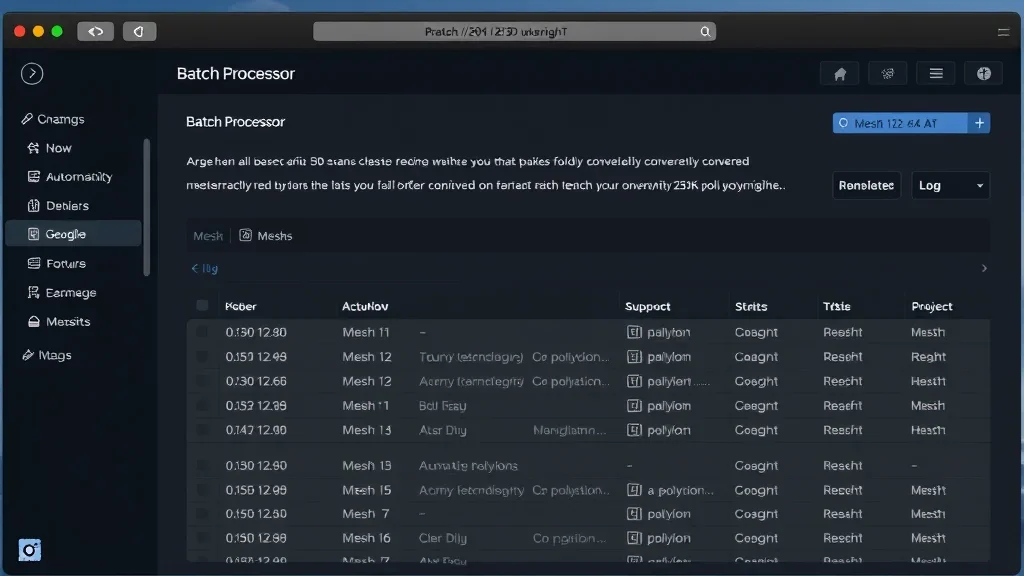
3D Python automation
100% scripted pipelines. Open3D, Trimesh, PyMeshLab, and the integration patterns that tie them together.
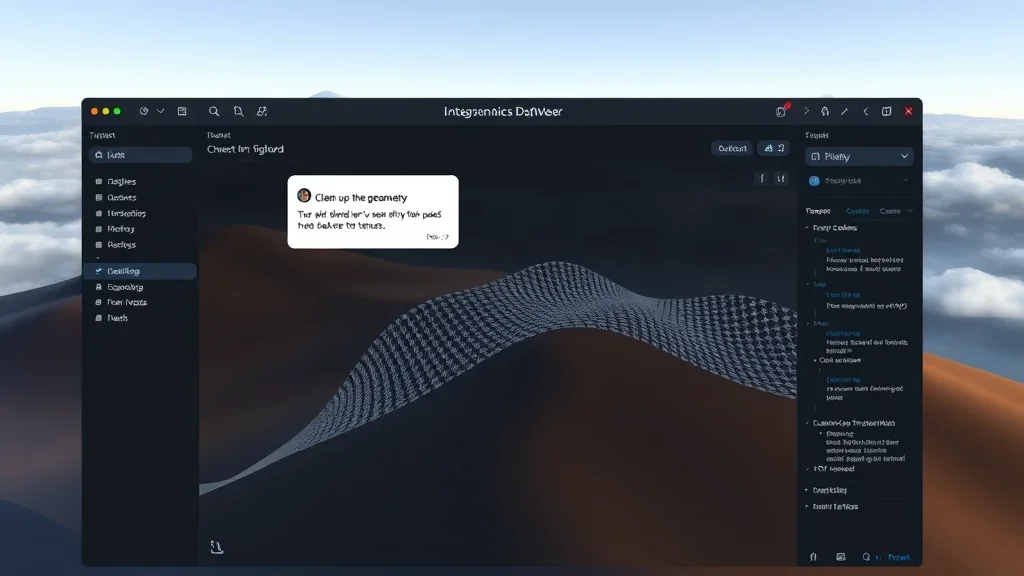
Blender + MCP AI
Drive Blender from Python. Model Context Protocol integrations so you can instruct an AI to mesh, decimate, and texture your scans.
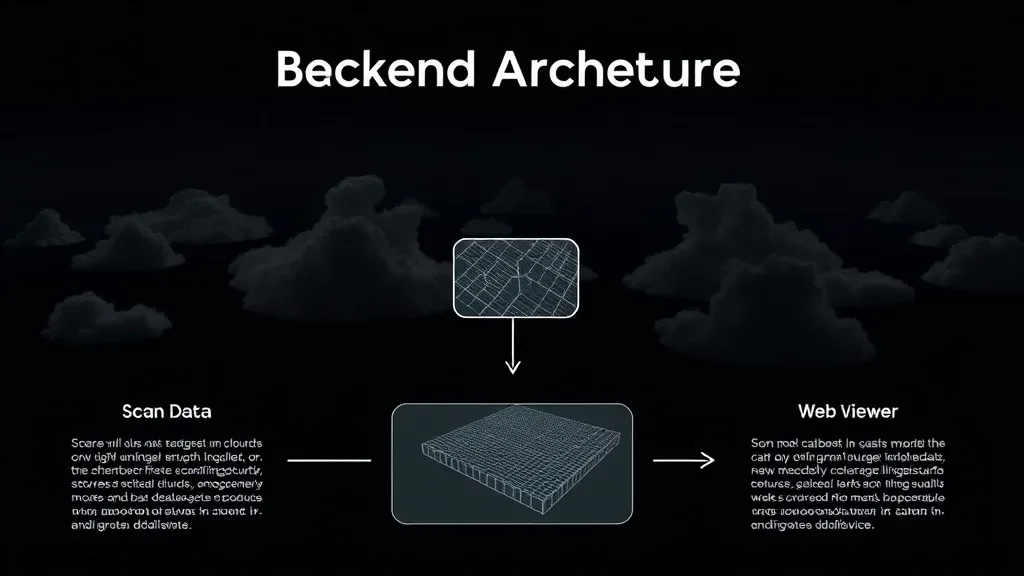
3D data engine
The backend that glues the meshing stack. Batch workflows, intermediate data stores, and the orchestration layer that runs hundreds of scans in parallel.
I built this course for construction engineers who are tired of handing off point clouds and waiting for someone else to model them. The same Python tooling that powers my consulting work sits inside these ten lessons, cleaned up and documented so you can adopt it in your own team tomorrow.
How this course works
Hands-on, construction-focused, and built for engineers who ship.
100% asynchronous
Access everything 24/7 on the LMS. Self-paced. No live sessions required.
Code-along projects
Every lesson ships with Python source. Clone the repo, run it on your data, ship it to a client.
Construction datasets
Real building scans. Terrestrial LiDAR and photogrammetric reconstructions of real sites. Not Stanford bunnies.
Production patterns
Memory-efficient meshing, batch workflows, error handling. Code that works on billion-point scans, not 10K demos.
Lifetime access
One payment, permanent access. Every future update is included, and new algorithms land in the curriculum as I validate them.
Monetization lesson
Module 5 covers how to price, package, and sell scan-to-mesh deliveries. The technical skill is half the story. The business model is the other half.
Most scan-to-BIM services take 2-3 weeks per building. A scripted pipeline cuts that to 48 hours. If you can deliver in 48 hours instead of three weeks, you can charge a premium and still win every bid. That is the economics of automation. That is what this course teaches you to build.
The Curriculum
5 modules. From raw scans to monetized deliverables.
Prerequisites
This course is for Python developers, construction engineers, and scan specialists who want to automate the scan-to-mesh workflow.
- Python (beginner+): comfortable with loops, functions, and basic NumPy operations
- Basic 3D knowledge: you know what a point cloud and a mesh are. I build the rest from the ground up
- Hardware: 16 GB RAM minimum, 32 GB+ recommended for large-site modules
- Software: Python, Open3D, Blender (free), CloudCompare (free). All core tools are free and open-source
No prior meshing experience required. This is the construction-focused starting point.
The 3D Python stack, end to end. Open3D, Trimesh, PyMeshLab, and the AI integrations that tie them together.
The core meshing algorithms. Poisson reconstruction, Ball Pivoting, Marching Cubes, and the decision framework for picking the right one per dataset.
From voxel grids to triangle meshes. Build your own Marching Cubes application with adaptive resolution and parallel processing.
Dress the mesh. UV unwrapping, texture baking, and Blender automation with Python and MCP AI for client-ready deliverables.
Turn the technical pipeline into a business. Pricing, packaging, and the AI and LLM integrations that let you scale a scan-to-mesh service.

Your instructor
Dr. Florent Poux
I’ve spent 12+ years in 3D geospatial: from field surveys with total stations to building AI systems for Fortune 500 companies. I published the O’Reilly book on 3D Data Science with Python. I’ve advised startups valued at over 15M EUR. I’ve held a professorship, taught at university, and led R&D for some of the largest organizations in the space.
I don’t teach syntax. I teach judgment. Every module is built around real decisions I’ve faced in production. Which neural renderer fits an industrial inspection job. How to architect a semantic pipeline that doesn’t choke on 500M points. When to use algorithmic methods and when to switch to deep learning.
What students say
Engineers, construction specialists, and AEC professionals from 80 countries.
“We used the HITL annotation engine to label 50K objects in our BIM dataset. It cut our annotation time by 70%. Real production value from day one.”

“I went from copy-pasting Open3D tutorials to building a full classification pipeline for our digital twin project. The production mindset changes everything.”
“The scan-to-BIM pipeline turned a three-week manual modelling job into a two-day automated workflow. We closed three new heritage contracts the same quarter.”
“The photogrammetry-to-splat pipeline module replaced three tools in our stack. We deliver photorealistic scenes to clients in half the time.”
“We rebuilt our drone-to-deliverable workflow around the batch processing module. A 1.2 km corridor now ships in eight hours instead of three days.”
“The GCP and check-point chapter alone justified the price. Our reconstructions finally pass survey audit on the first submission.”
“I have done photogrammetry for fifteen years. Florent showed me four automation tricks I had never used. Pure ROI, no fluff.”
Get lifetime access
One payment. Every module, every update, every meshing pipeline.
Scan-to-Mesh Pipelines
Complete meshing curriculum + source code + real construction datasets + lifetime updates
- 5 modules (14+ hours, 10 lessons)i
- Complete Python source code + datasets
- Marching Cubes app project
- Blender + MCP AI integration
- Lifetime access + all future updatesi
- 90-day results guaranteei
Zero-risk guarantee: If you don’t see real results within 90 days, I’ll refund you in full. No questions.
The complete ecosystem
3D AI Architect Program
The complete spatial AI curriculum, delivered in 3 tiers. Pick the depth that matches where you are — Foundations to get moving, Professional for the full OS stack, Ultimate for live access and priority support.
- 3D AI Acceleratori: 17 episodes in 6 acts
- 3D Course Libraryi: every standalone course I publish
- All 4 OS courses (Professional & Ultimate tiers)
- Neurones 3D software access
- Monthly drop-in sessions with Dr. Poux (Ultimate)
- Spatial AI job and market intel
- Priority support + services access (Ultimate)
- 300+ hours of content
What you’re getting access to
Everything I’ve built over 12+ years, from land surveying in the field to advising 15M EUR startups, compressed into one curriculum you can start today. Delivered by the first QUALIOPI-certified 3D geospatial academy.
Every pipeline was battle-tested on Fortune 500 projects processing billions of points. You’re getting the real playbook, not theory.
Methods validated by peer-reviewed publications, the ISPRS scientific community, and 1,500+ academic citations. Not guesswork.
Built by someone who surveyed in the field, defended a PhD, advised funded startups, and shipped products to Fortune 500 clients.
I share more free content than most people put behind a paywall. That’s intentional. I want you to know exactly what you’re getting before you invest. This course is the concentrated, structured version of everything I know. No fluff. No filler. Just the production path.
Find the right path for you
From single courses to the complete ecosystem.
| Feature | Standalone Course | Scan-to-Mesh Pipelines | Course Library | 3D AI Architecti | Enterprise |
|---|---|---|---|---|---|
| Courses included | 1 topic | 5 modules | Full catalogi | 3 OS courses + Library (tiered) | Custom |
| Hours of content | 2-8h | 14+ hours | 150+ hours | 300+ hours (tiered) | Custom |
| Production source code | ✓ | ✓ | ✓ | ✓ | ✓ |
| Lifetime access | ✓ | ✓ | – | ✓ | ✓ |
| 3D AI Accelerator Tracki | – | – | – | ✓ | ✓ |
| Neurones 3D softwarei | – | – | – | ✓ | ✓ |
| Spatial AI job & market inteli | – | – | – | ✓ | ✓ |
| Monthly drop-in sessionsi | – | – | – | ✓ | ✓ |
| Priority support + services accessi | – | – | – | ✓ tiered | ✓ |
| Custom onboardingi | – | – | – | – | ✓ |
| Team licensing | – | – | – | – | ✓ |
| Price | €97 – €497 | €297 | €297 / 3 months | Starts at €1,999 | On request |
Straight answers
Do I need Blender experience?
No. Module 4 teaches Blender from a Python scripting angle. You never need to click a button if you don’t want to.
Is this only for construction?
The datasets and case studies are construction-focused, but the pipelines work for any scan-to-mesh use case: heritage, industrial, forestry, or entertainment.
What hardware do I need?
Minimum 16 GB RAM. For large construction sites, 32 GB+ is strongly recommended. A CUDA GPU helps with the AI modules but is not required for the meshing pipelines.
How long do I have access?
Lifetime. One payment, permanent access. Every future update is included.
What’s the refund policy?
90 days. Build a meshing pipeline, run it on your own data. If you don’t see results, email me for a full refund.
Can I export to Revit and IFC?
Yes. Module 4 covers IFC, OBJ, FBX, and a walkthrough of how to get scan-derived meshes into Revit and ArchiCAD.
How is this different from using MeshLab or CloudCompare?
GUI tools are fine for one-off meshes. This course teaches you to automate them away. The difference is the difference between meshing one building a week and meshing fifty.
Can I upgrade to the Reconstructor OS later?
Yes. This course is one of the four standalone modules inside the Reconstructor OS. Contact me for upgrade credit.
Not sure if this course fits?
If you have specific questions about how the curriculum applies to your role, your team’s needs, or your technical background, I’m happy to help you figure it out before you commit.
Book a 15-min call